




Maximizer Task Management
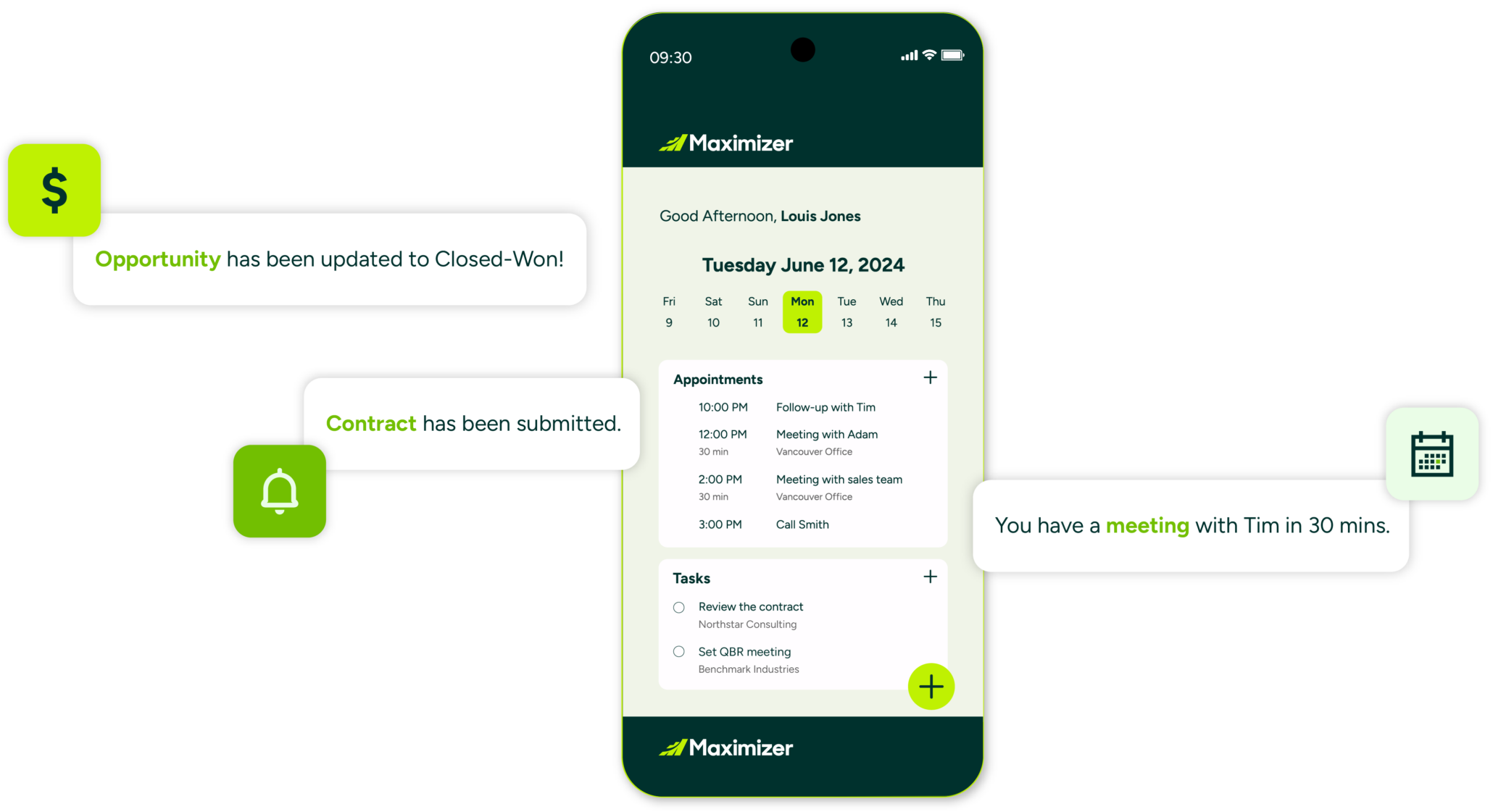
Your Maximizer CRM platform offer you two ways to manage tasks and reminders. The timeless Hotlist Feature and the New Task Feature which gives you a dedicated space to manage tasks and to-dos. Both are accessed via the Icon bar on the left of the screen.
See below for a quick summary.
Hotlist Function
The Hotlist is a timeless ‘to-do’ list of tasks and reminders. Tasks include calling and writing to customers. Use the Hotlist page to record actions and follow up on personal activities, such as producing expense reports, or those related to your interactions with Address Book entries. For example, you can use the Hotlist to schedule a phone call to a Contact who is out of town for a week. When the week is up, the Hotlist will remind you to call again.
Hotlist tasks can be associated with opportunities, campaigns, and customer service cases, as well as Address Book entries. When you create new customer service cases, Hotlist tasks are created for the assigned users based on the follow-up deadlines of the cases.

Task Function
The Tasks module in Maximizer is a newer, dedicated space for managing ‘tasks’ or to-dos within the system. It allows you to link a task directly to an Address Book entry or a Lead and through the ‘Regarding’ field, you can also associate it with an Opportunity or a Case. The module includes a simplified and modern-user interface with built-in tabs such as ‘All’, ‘Today’, ‘Overdue’, and ‘Delegated’, making it easy to filter tasks by status or by who is responsible for completing them. It also supports recurring tasks – whether daily, weekly, monthly, or yearly, which is functionality not available in the legacy Hotlist module. Overall, the Tasks module is designed to give teams a more structured way of managing their workload by providing clearer task relationships. The ability to track activities is linked to sales and service processes and straightforward delegation tools for assigning and monitoring tasks across the organisation.
